VizStudio vs WeShop AI: Complete Virtual Try-On Comparison
WeShop AI built a loyal user base with reliable AI-generated model photos and virtual outfit swaps. After eight months as a WeShop user, I understood both its strengths and its ceiling — which is lower than it looks from the outside.
The VizStudio vs WeShop conversation gained momentum in late 2025, when VizStudio expanded beyond basic clothes changing into territory WeShop hadn’t touched. I’ve now run both platforms through extensive testing: 80 product photos across clothing, accessories, wedding attire, background removal, and color adjustment. Here’s a category-by-category breakdown based on real production work.
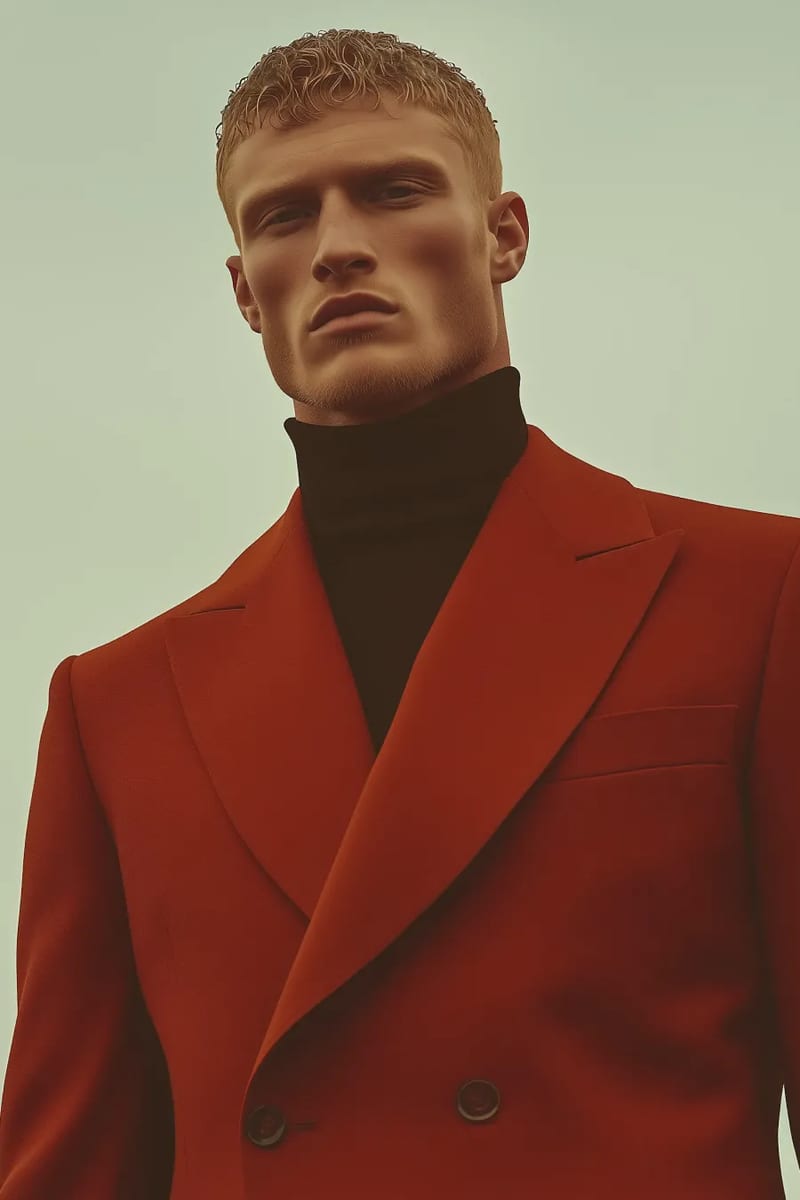
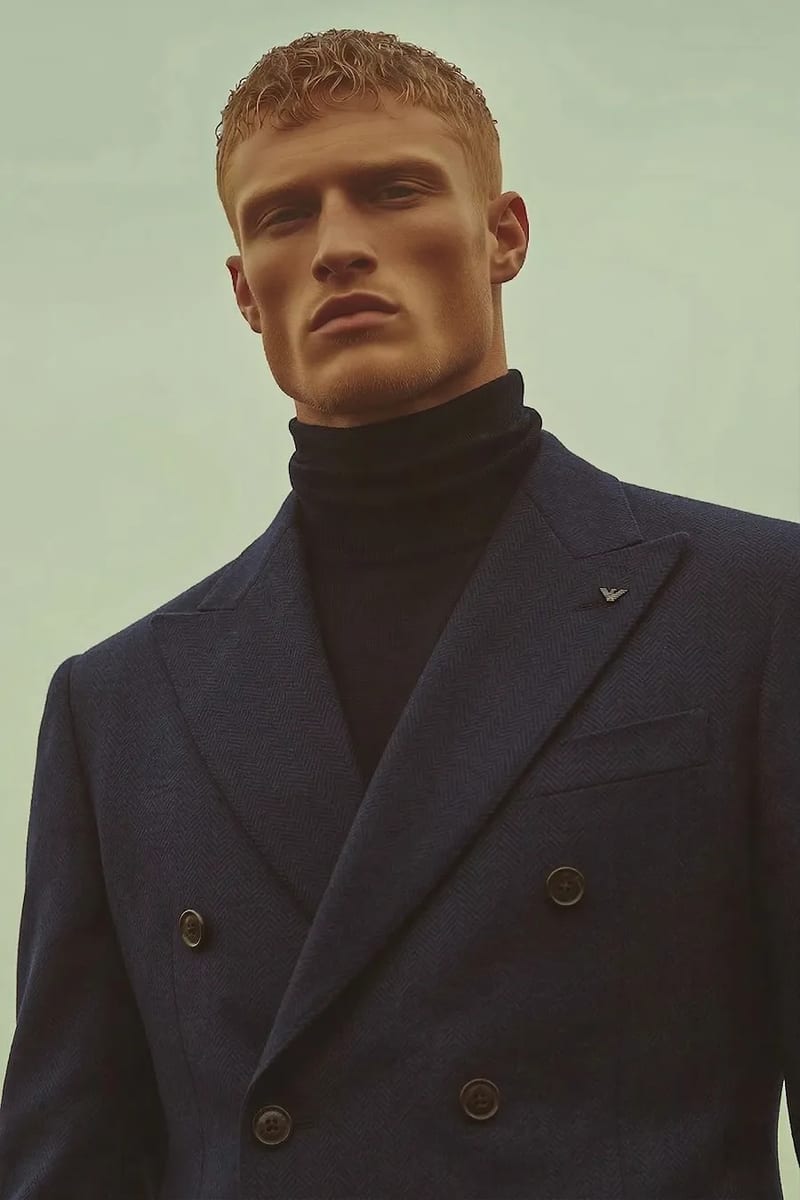
Clothes Changing Quality: A Closer Race Than Expected
For standard clothing swaps — casual tops, everyday dresses, basic outerwear — WeShop produces clean, usable results with decent edge blending and well-preserved body proportions.
However, VizStudio’s AI clothes changer edges ahead in two key areas. First, fabric texture rendering: VizStudio captures the three-dimensional quality of different materials (wool weight, silk flow, denim stiffness) while WeShop applies a more uniform texture. Second, shadow accuracy: VizStudio reads lighting direction from the source photo, while WeShop uses a standardized shadow model that occasionally conflicts with the source lighting.
The gap widens on complex garments. Structured blazers, layered outfits, and garments with visible hardware are where WeShop shows strain — lapels warp, layered edges blur, and hardware details vanish. VizStudio handles these more gracefully, though extremely fine details like small button stitching can still get muddled on both platforms.
The Category Gap: Where VizStudio Breaks Away
This section matters most: it’s not about marginal quality differences — it’s about entire capabilities that exist on one platform and don’t on the other. WeShop swaps clothing, period. VizStudio is a multi-category virtual try-on platform.
The virtual hat try-on handles headwear placement with awareness of head shape, hair volume, and viewing angle — baseball caps, sun hats, beanies, and fedoras all positioned correctly with appropriate shadow casting.
The virtual shoe try-on manages footwear’s tricky perspective challenges with correct proportions relative to the body and proper ground shadows.
The virtual ring try-on handles metallic reflections and gemstone refraction surprisingly well — metal looks metallic and stones have believable light interaction. Some complex multi-stone settings can get muddled, but output is genuinely usable for product listings.
The virtual wedding dress try-on has no WeShop equivalent. Long trains, delicate lace, sheer overlays, intricate beading — VizStudio processes these with purpose-built AI for bridal-specific challenges.
| Try-On Category | VizStudio | WeShop AI |
|---|---|---|
| Casual clothing | Excellent | Good |
| Formal/structured garments | Very good | Inconsistent |
| Hats & headwear | Yes — dedicated tool | Not available |
| Shoes & footwear | Yes — dedicated tool | Not available |
| Rings & jewelry | Yes — dedicated tool | Not available |
| Wedding dresses | Yes — dedicated tool | Not available |
| Color variants | Yes — dedicated tool | Not available |
Supporting Tools: One Platform vs. Three
Using WeShop meant juggling three platforms: WeShop for outfit swaps, a separate tool for background removal, and Photoshop for color adjustments. Three subscriptions and quality degradation from repeated compression cycles.
VizStudio consolidates this. The AI background remover handles edge detection on difficult subjects (fine hair, transparent fabrics, complex jewelry). The AI image editor covers spot corrections and adjustments. And the AI clothes color changer generates color variants without full regeneration.
On WeShop, showing a dress in five colors means five separate generations — five sets of credits, five chances for inconsistency. On VizStudio, you generate one perfect swap and adjust the color, maintaining identical draping, shadows, and positioning across all variants.
Batch Processing Consistency
In large batch tests (60+ images), WeShop showed subtle but consistent color drift — garment colors shifted 5-8% warmer in later images. VizStudio maintained color consistency across all 60 images and in subsequent batches of 100+. For production-volume work, this consistency difference is significant.
Photo Generation Beyond Try-On
Beyond virtual try-on, VizStudio offers creative photo generation tools that WeShop lacks entirely. The AI wedding photo generator creates composed wedding scenes useful for bridal e-commerce and wedding planners. The AI couple photo generator produces natural two-person portraits. The AI graduation photo generator creates polished cap-and-gown portraits without a studio session. And the AI pet portrait generator serves the pet products and gifts market.
Whether these matter depends on your use case, but they indicate a platform that continues to expand capability rather than deepening a single feature.
Processing Speed and Reliability
WeShop processes simple clothes swaps in about 5-7 seconds. VizStudio takes 7-10 seconds for the same operation, with complex categories (wedding dresses, jewelry) at 12-18 seconds.
Reliability matters more than raw speed. Over 80 test images, WeShop had three processing failures requiring manual retry; VizStudio had zero. In production, predictable completion is more valuable than faster average speed with occasional failures.
Pricing Reality Check
Rather than comparing sticker prices, here’s what matters: the effective cost per usable product image.
| Factor | VizStudio | WeShop AI |
|---|---|---|
| Usable output rate (complex garments) | ~90% | ~80% |
| Separate background removal cost | Included | Additional tool needed |
| Color variant generation | Color changer (1 credit) | Full regeneration (1 credit each) |
| Accessory try-on available | Included in plan | Not available |
| Batch consistency | Stable across 100+ images | Color drift in large batches |
Factoring in WeShop’s lower usable output rate, separate background removal costs, and extra generations for color variants, VizStudio’s effective per-image cost is meaningfully lower — especially for anyone selling across multiple categories.
Frequently Asked Questions
Is WeShop AI still a good tool in 2026?
WeShop remains solid for basic clothing swaps on casual garments. The issue isn’t that it’s gotten worse — it’s that tools like VizStudio now offer significantly broader capability at a comparable price point.
How difficult is it to switch from WeShop to VizStudio?
The switch is straightforward — upload your source photos, select the try-on category, generate. VizStudio’s interface is intuitive. I’d recommend running both platforms in parallel for a week or two before fully committing.
Can VizStudio handle the same volume as WeShop for product photography?
Yes. VizStudio handled 100+ image batches without the consistency degradation I saw on WeShop. Processing time per image is slightly longer, but the higher usable output rate means faster net production throughput.
Which platform has better customer support?
VizStudio’s documentation is more comprehensive, particularly around newer features like jewelry and wedding dress try-on. WeShop’s community forums are active but focused on basic use cases.
My Recommendation After Two Months
VizStudio wins on output quality, category range, supporting tools, batch consistency, and effective per-image cost. WeShop’s only edge is slightly faster processing on simple garments — an advantage that evaporates when you factor in the full production workflow. Start with VizStudio’s AI clothes changer to establish your quality baseline, then explore the categories and tools WeShop never offered.
Suite de génération vidéo & image IA
Effets vidéo, essayage virtuel, changeur de tenues, studio photo, suppresseur de fond, et plus — propulsé par les derniers modèles IA.
Vidéo de bisou IA
Transforme des photos de deux personnes en vidéos IA animées romantiques avec des expressions faciales et des mouvements réalistes.
Vidéo de bises IA
Uploade un selfie et l'IA génère une vidéo fun où des personnes attrayantes se ruent des deux côtés pour t'embrasser.
Vidéo de câlin IA
Transforme des photos en vidéos de câlin IA touchantes avec une animation d'étreinte naturelle et des expressions émotionnelles.
Générateur de bikini IA
Génère une vidéo montrant une transition vestimentaire fluide et naturelle vers des tenues de bikini ou maillot de bain tendance.
Générateur de muscles IA
Crée des vidéos de transformation musculaire spectaculaires à partir de tes photos avec une animation corporelle réaliste.
Vidéo de danse IA
Anime n'importe qui en train de danser avec une chorégraphie énergique, des mouvements corporels fluides et un rythme entraînant.
Vidéo IA style Ghibli
Transforme des photos en animations magiques style Studio Ghibli avec des textures aquarelles douces et des mouvements feeriques.
Générateur de GIF IA
Crée des GIF animés en boucle fluide à partir d'images statiques — parfait pour les réseaux sociaux et la messagerie.
Transformation Hanfu IA
Transforme des photos en superbes vidéos de vêtements Hanfu traditionnels chinois avec des robes en soie élégantes et des broderies complexes.
Vidéo changeur de vêtements IA
Crée des vidéos de transformation de tenues fluides — l'IA enchaîne 5 à 6 tenues tendance tout en préservant ton identité.