7 Best AI Clothes Changers (2026) — Free Tools Tested & Ranked
AI clothes changers have matured dramatically — in 2026, the best tools produce outfit swaps that are genuinely difficult to distinguish from real photographs. The challenge now isn’t whether the technology works; it’s figuring out which tool actually delivers professional-quality results.
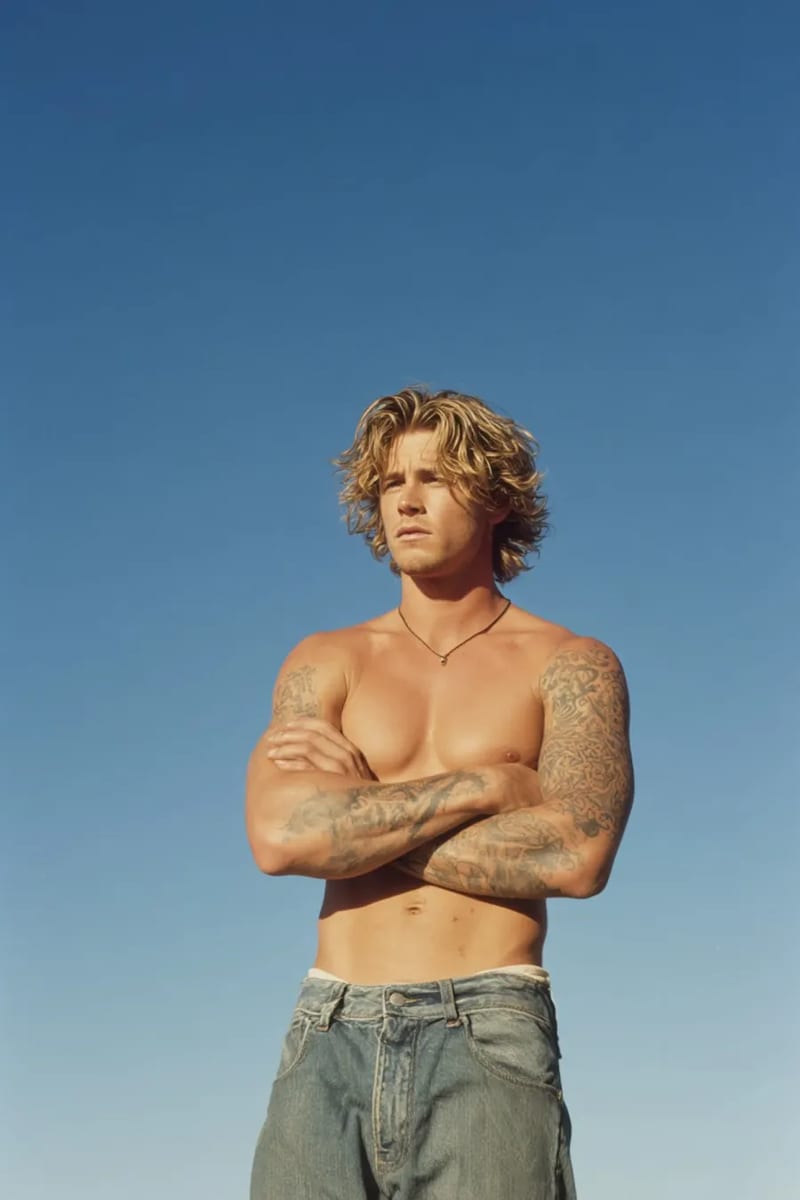
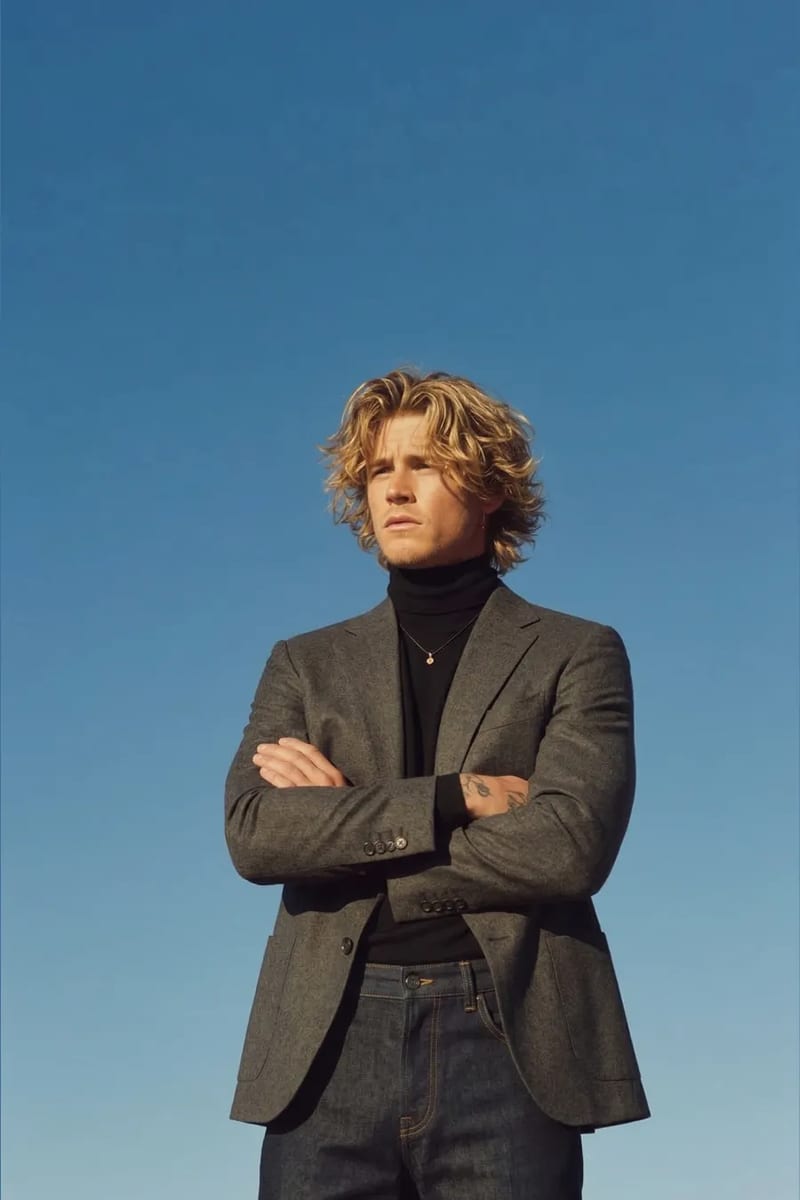
I tested seven AI clothes changers using the same five source images — different poses, lighting, and body types — and ranked them on realism, edge handling, garment drape, and usability. The best tool for you depends on your use case, so each entry covers quality, practical fit, and whether you need to create an account to get started.
1. VizStudio — Best Overall AI Clothes Changer
VizStudio earned the top spot not just because of output quality — though it’s excellent — but because of the ecosystem around the clothes-changing tool. Most AI clothes changers are one-trick tools: you upload a photo, pick a garment, and get a result. VizStudio lets you change the clothes, then swap the color of the garment, then remove the background, then refine the result in the AI image editor — all without leaving the platform or downloading intermediate files.
The output quality is the best I’ve seen. Garments drape naturally, skin-to-fabric transitions look convincing at necklines and sleeve edges, and complex patterns render without warping artifacts. It was the only tool that handled a seated pose with crossed legs in a patterned wrap dress without obvious distortion.
Beyond clothes, VizStudio offers virtual hat try-on, virtual shoe try-on, and virtual ring try-on — eliminating the workflow fragmentation of juggling multiple platforms. The free tier is generous enough to evaluate quality before committing. For a detailed head-to-head breakdown, see our AI clothes changer comparison.
Sign-up: Free account required (one-click Google sign-in, no email verification).
2. FitRoom — Best for Fashion Industry Professionals
FitRoom is built explicitly for the fashion industry, and that focus shows in the output quality. The platform excels at generating editorial-style product imagery — the kind of polished, well-lit outfit photos you’d see in a brand lookbook. If your workflow involves creating professional product listings at scale, FitRoom’s batch processing and consistent output style make it a strong choice.
Where FitRoom falls behind is versatility — no color-changing tool, no accessory try-on, and minimal editing beyond the core swap. Pricing is steeper, which suits high-volume businesses but less so individual users.
Sign-up: Account required to access the platform.
3. WeShop — Best Budget-Friendly Option
WeShop hits an interesting price point that makes it appealing for sellers and creators who need decent quality without a premium subscription. The free tier includes watermarked outputs, which is annoying but functional for evaluation purposes. Paid plans are competitively priced, and the per-image cost is among the lowest in this ranking.
The trade-off is consistency. WeShop produced good results about 70% of the time, with the remaining 30% showing issues like off proportions or unnatural fabric texture. If you can tolerate occasional regeneration, it offers solid value — but for client-ready output every time, the inconsistency is a problem.
Sign-up: Free account required; watermarked outputs on the free tier.
4. Fotor — Best for Quick Social Media Edits
Fotor’s AI clothes changer is part of a larger photo editing suite, and it feels that way in practice — it’s competent but clearly not the platform’s primary focus. Processing speed is the fastest in this list at around six seconds, which makes it great for quick social media content where you need a fun outfit swap but don’t need photographic realism.
The garment edges are softer than the competition, with a noticeable “pasted on” quality. For Instagram stories, TikTok content, or internal mood boards where speed matters more than realism, Fotor gets the job done — but I’d avoid it for customer-facing or professional use.
Sign-up: No account needed for basic use; sign-up unlocks saved projects.
5. Kaze — Best for Anime and Stylized Looks
Kaze occupies a fascinating niche. Rather than targeting photorealistic outfit swaps, it excels at stylized and anime-influenced clothes changing. If you want to see yourself in an anime school uniform, a fantasy RPG outfit, or a stylized illustration version of a real garment, Kaze produces results that are genuinely creative and well-executed.
For realistic fashion try-on, Kaze isn’t the right tool — the outputs lean heavily into stylization even when you’re going for a natural look. But for content creators, cosplay communities, and anyone who wants AI clothes changing with an artistic twist, it’s worth exploring. The free tier is limited but enough to see whether the aesthetic matches your needs.
Sign-up: Free account required to generate images.
6. Magic Hour — Best for Video-Based Outfit Swaps
Magic Hour differentiates itself by supporting video-based clothes changing, not just static images. You can upload a short video clip and swap the outfit across frames, maintaining temporal consistency so the garment moves naturally with the body. This is technically impressive and opens up use cases — video content creation, virtual fashion shows, short-form social video — that no static-image tool can address.
The catch is that static image quality lags behind VizStudio, FitRoom, and even WeShop. If video is part of your content strategy, Magic Hour is the best option for AI outfit swapping in motion — but expect longer processing times (minutes, not seconds) and higher pricing.
Sign-up: Account required; free trial available after registration.
7. PxBee — Best Newcomer to Watch
PxBee is the newest entrant, included partly based on trajectory. Output quality is roughly on par with WeShop — decent but inconsistent — but the pace of improvement over the past six months has been notable. Not recommended for production use yet, but the generous free tier and clean interface make it worth watching. It could easily move up this ranking within six months.
Sign-up: Basic use available without an account; sign-up for higher limits.
Frequently Asked Questions
Which AI clothes changers work without signing up?
Several tools on this list let you try a clothes swap without creating an account. Fotor and PxBee both offer limited free use with no registration required. OpenArt’s AI clothes changer also works without sign-up.
VizStudio requires a free account, but it’s a one-click Google sign-in that takes about 3 seconds — there’s no email verification, no password to create, and no spam. The free tier gives you enough credits to properly evaluate quality before deciding whether to continue.
Are AI clothes changers accurate enough for online shopping decisions?
The best ones are. VizStudio’s AI clothes changer produces results realistic enough to evaluate silhouette and color before purchasing. Fabric texture and exact color accuracy still vary slightly from reality, but it’s far more useful than a flat product photo.
Can these tools handle all clothing types equally well?
No. Structured garments (blazers, jackets, button-downs) produce the best results because fabric behavior is more predictable. Flowing fabrics like silk and chiffon are harder to render. VizStudio and FitRoom handle flowing fabrics best; the others tend to stiffen them unnaturally.
Do I need high-quality source photos?
Better photos help, but a well-lit 1080p image works nearly as well as a 4K studio shot. What matters most is good lighting and a clear background — a sharp smartphone photo with natural light outperforms a blurry DSLR shot every time.
Finding the Right Tool for Your Workflow
For most use cases, start with VizStudio — best-in-class output quality, the broadest feature set, and a generous free tier. For video-based needs, check out Magic Hour. For professional fashion photography, evaluate FitRoom alongside VizStudio.
VizStudio is the only platform where you can change an outfit, adjust its color, remove the background, and polish the final image without leaving the site. That workflow integration is why it earned the top spot. For a step-by-step walkthrough of using AI to change clothes in photos, check out our complete guide.
KI-Video- & Bildgenerierungs-Suite
Videoeffekte, virtuelles Anprobieren, Kleidungswechsler, Fotostudio, Hintergrundentferner und mehr — angetrieben von den neuesten KI-Modellen.
KI-Kuss-Video
Verwandle Fotos zweier Personen in romantische KI-animierte Kuss-Videos mit realistischen Gesichtsausdrücken und Bewegungen.
KI-Küsse-Video
Lade ein Selfie hoch und KI generiert ein lustiges Video, bei dem attraktive Personen von beiden Seiten einstürmen, um dich zu küssen.
KI-Umarmungs-Video
Verwandle Fotos in herzerwärmende KI-Umarmungs-Videos mit natürlicher Umarmungsanimation und emotionalen Ausdrücken.
KI-Bikini-Generator
Generiere ein Video mit einem flüssigen, natürlichen Kleidungsübergang in stilvolle Bikini- oder Bademode-Outfits.
KI-Muskel-Generator
Erstelle dramatische Muskelwachstum-Transformationsvideos aus deinen Fotos mit realistischer Körperanimation.
KI-Tanz-Video
Animiere Personen beim Tanzen mit energiereicher Choreografie, fließenden Körperbewegungen und rhythmischer Bewegung.
Ghibli-KI-Video
Verwandle Fotos in magische Studio-Ghibli-Animationen mit weichen Aquarell-Texturen und fantasievoller Bewegung.
KI-GIF-Generator
Erstelle nahtlose Loop-animierte GIFs aus statischen Bildern — perfekt für Social Media und Nachrichten.
KI-Hanfu-Transformation
Verwandle Fotos in beeindruckende traditionelle chinesische Hanfu-Kleidungsvideos mit eleganten Seidengewändern und aufwendiger Stickerei.
KI-Kleidungswechsler-Video
Erstelle nahtlose Outfit-Transformationsvideos — KI durchläuft 5–6 stilvolle Outfits und bewahrt dabei deine Identität.