Best FitRoom Alternatives in 2026: 7 AI Clothes Changers Compared
FitRoom was one of the first AI-powered clothes changers, but the landscape has shifted dramatically. Many users now look for a FitRoom alternative due to inconsistent quality on complex outfits, limited accessory support, and pricing that doesn’t match the output.
I tested seven AI clothes changer tools head to head, uploading the same test photos to each and comparing realism, speed, pricing, and versatility. Here’s an honest breakdown, ranked from best to “it works, but barely.”
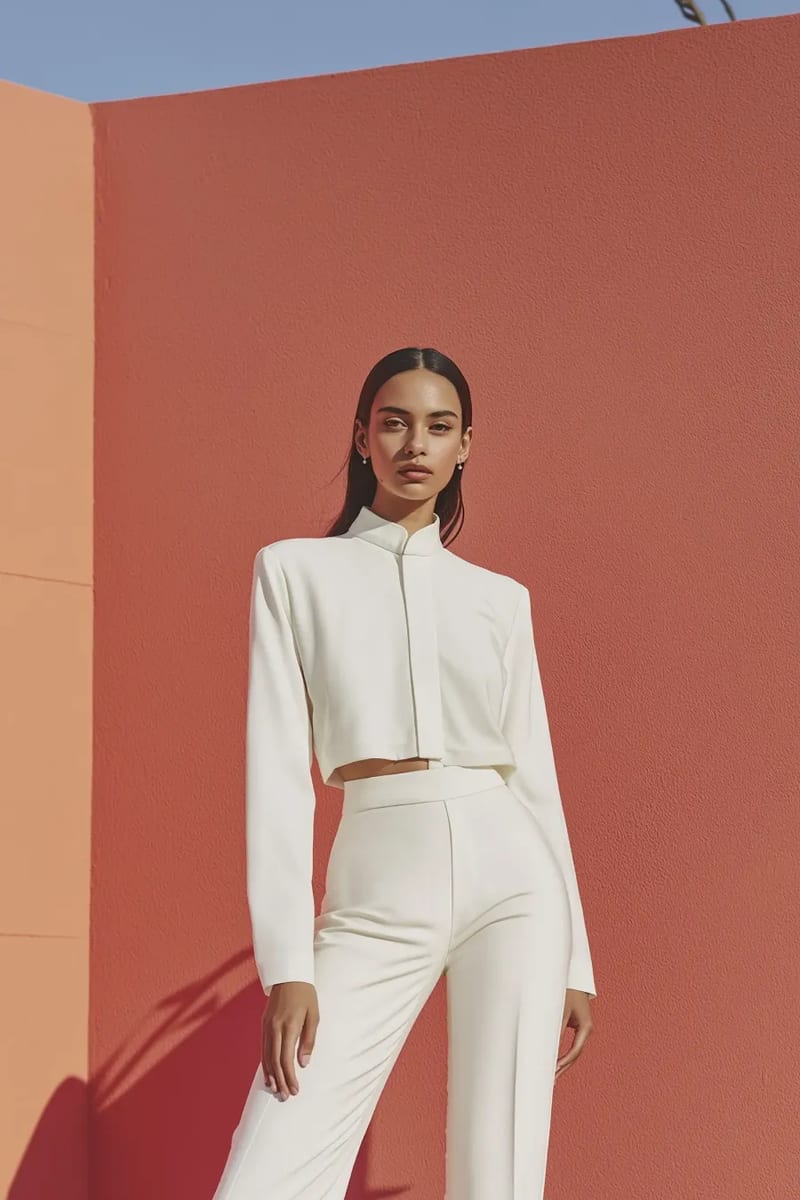
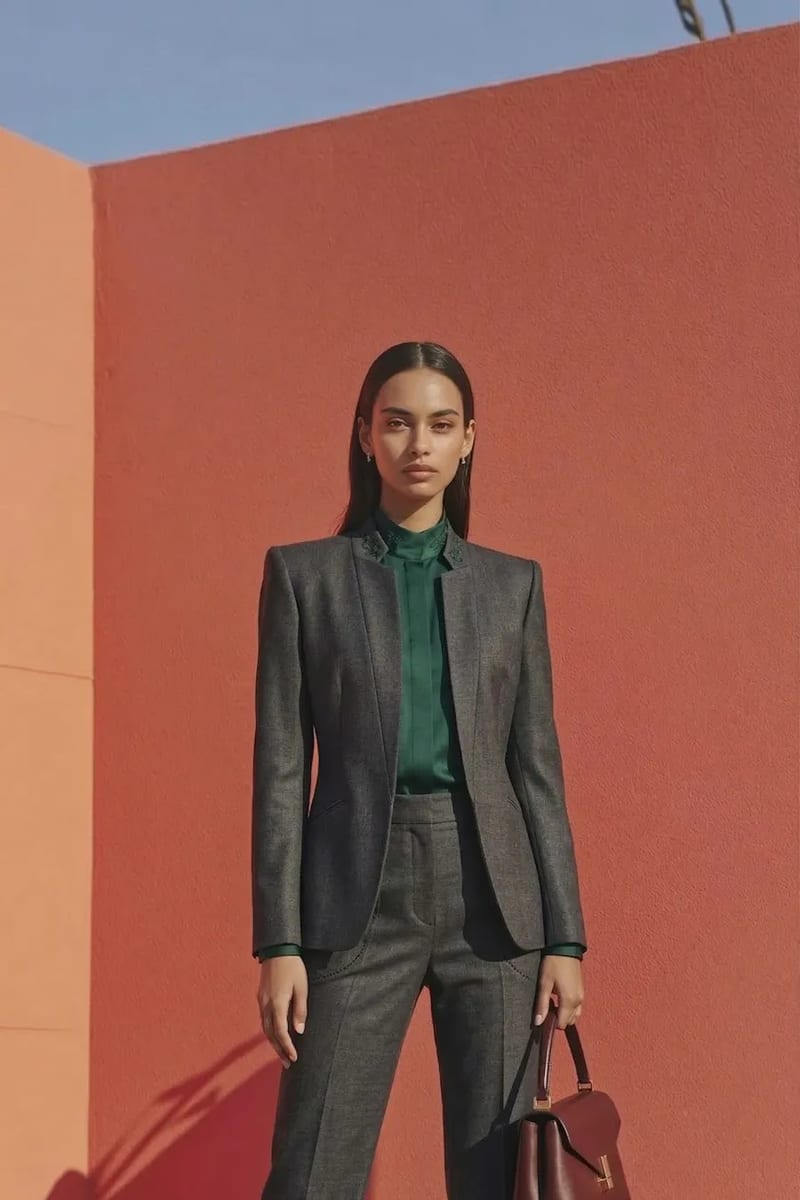
1. VizStudio — The Most Versatile AI Clothes Changer
VizStudio tops this list because no other tool matches its category coverage. Most AI clothes changers handle tops and dresses, then fall apart with anything else. VizStudio lets you swap a dress, try on a hat, and preview sneakers — all in one interface.
The AI clothes changer produces impressive results with natural fabric draping, correct shadows, and seamless skin-tone blending. The virtual hat try-on handles various head shapes, the virtual shoe try-on manages perspective well, and the virtual ring try-on is unique in this space.
The virtual wedding dress try-on is a standout for wedding e-commerce — I tested seven gown styles and six produced listing-ready results. VizStudio also includes an AI background remover, AI image editor, and AI clothes color changer for showing the same garment in different colorways.
What I like: Unmatched category range (clothes, hats, shoes, rings, wedding dresses), consistently realistic output, useful supporting tools for full photo editing workflow.
What could improve: Processing can take a few extra seconds on high-resolution uploads compared to simpler tools, and the interface has a slight learning curve if you’re brand new to AI photo editing.
2. WeShop AI — Strong for Basic Outfit Swaps
WeShop handles casual wear — t-shirts, jeans, simple dresses — with good accuracy and convincing fabric textures. However, it struggles with formal wear (warped lapels, disappearing buttons) and offers no hat, shoe, or accessory try-on. Pricing is reasonable but adds up quickly for bulk processing.
What I like: Clean interface, reliable for everyday clothing, good batch processing for simple items.
What could improve: No accessory categories, inconsistent with formal or detailed garments, no complementary photo editing tools built in.
3. Kaze AI — Decent Quality, Limited Flexibility
Kaze produces genuinely good clothes-changing output, especially with flowy fabrics and printed patterns where competitors often produce blurry results. Color reproduction is accurate.
The limitation is flexibility — it’s a rigid upload-swap-download workflow with no customization, no accessory support, and an extremely limited free tier. Non-standard body poses tend to produce artifacts around the shoulders and waist.
What I like: Excellent fabric texture reproduction, accurate colors, handles patterns well.
What could improve: Very limited pose flexibility, no accessories or multi-category support, restrictive free tier.
4. Fotor — Jack of All Trades, Master of Few
Fotor’s AI clothes changer benefits from its polished interface and wide tool ecosystem, but the clothes-changing feature feels like an afterthought. Results are acceptable for social media but not production-ready for e-commerce — edge blending around necklines is often visible, and the AI occasionally changes background lighting. Convenient if you already use Fotor, but don’t expect it to compete with purpose-built virtual try-on tools.
What I like: Familiar interface if you’re an existing Fotor user, wide range of other editing tools available alongside.
What could improve: Clothes-changing quality lags behind dedicated tools, noticeable edge artifacts, background lighting inconsistencies.
5. Magic Hour — Creative but Inconsistent
Magic Hour is more of an AI video and creative tool that includes outfit-swapping. It’s great for short videos showing outfit changes, filling a niche for social media content creators.
The issue is inconsistency — the same photo produced noticeably different quality across five attempts. No accessory support, and the focus is entertainment over professional product photography.
What I like: Unique video outfit-swap capability, fun for social media content, creative community.
What could improve: Highly inconsistent output quality, not suitable for professional product photos, no accessory support.
6. PxBee — Budget-Friendly but Basic
PxBee is one of the cheapest options with a stripped-down interface: upload, select a garment, download. Simple color-block garments look acceptable, but anything with texture or structural complexity (pleats, ruffles, layers) comes out flat. No background removal, color changing, or accessories — just the core swap. A reasonable starting point for experimentation, but you’ll outgrow it quickly.
What I like: Very affordable, simple interface with zero learning curve.
What could improve: Low output quality on complex garments, no supporting features, limited resolution options.
7. Airbrush AI — Overpromises, Underdelivers
Airbrush produced the least realistic clothes-changing results in my testing. Garment edges were consistently rough, color matching was off, and the AI frequently altered facial features it shouldn’t have touched. Airbrush has better AI features elsewhere (portrait enhancement, background generation), but as a FitRoom alternative for clothes changing, every other option on this list outperforms it.
What I like: Has other useful AI photo features outside of clothes swapping.
What could improve: Outfit swap quality is below par, frequently alters unrelated parts of the image, color matching is unreliable.
Quick Comparison
| Tool | Clothes Swap | Accessories | Wedding | Background Tools | Free Tier |
|---|---|---|---|---|---|
| VizStudio | Excellent | Hats, shoes, rings | Yes | Yes | Yes |
| WeShop | Good | No | No | Limited | Yes |
| Kaze | Good | No | No | No | Very limited |
| Fotor | Adequate | No | No | Yes (separate) | Yes |
| Magic Hour | Inconsistent | No | No | No | Yes |
| PxBee | Basic | No | No | No | Yes |
| Airbrush | Below average | No | No | Yes (separate) | Yes |
Frequently Asked Questions
Why look for a FitRoom alternative in 2026?
The technology has moved fast since FitRoom’s early days. Newer tools like VizStudio offer better output quality, wider category support (accessories, wedding attire), and more competitive pricing.
Can AI clothes changers produce e-commerce ready images?
The top tools can. VizStudio and WeShop both produce listing-ready output, though VizStudio’s multi-category support gives it an edge for diverse product catalogs. Always check images at full resolution before publishing — AI can introduce subtle artifacts easy to miss at thumbnail size.
Do any FitRoom alternatives support accessory try-on?
As of early 2026, VizStudio is the only platform offering dedicated try-on tools for hats, shoes, and rings alongside its core clothes changer. Most competitors focus exclusively on tops and dresses.
Is the free tier on these tools actually usable?
Most free tiers give you enough credits to test quality before committing. For production use, you’ll need a paid plan. VizStudio’s free tier was the most generous, with enough generations to evaluate across multiple categories.
The Bottom Line
Most FitRoom alternatives do one thing adequately, but few do multiple things well. For basic outfit swapping, several tools here work fine. For versatile coverage of clothes, accessories, wedding attire, and photo editing in one platform, VizStudio is the clear winner. Test the AI clothes changer with your own photos and see the difference.
AI Video & Image Generation Suite
Video effects, virtual try-on, clothes changer, photo studio, background remover, and more — powered by the latest AI models.
AI Kissing Video
Turn photos of two people into romantic AI-animated kissing videos with realistic facial expressions and motion.
AI Kisses Video
Upload a selfie and AI generates a fun video where attractive people rush in from both sides to kiss you.
AI Hug Video
Transform photos into heartwarming AI hug videos with natural embrace animation and emotional expressions.
AI Bikini Generator
Generate a video showing a smooth, natural clothing transition into stylish bikini or swimwear outfits.
AI Muscle Generator
Create dramatic muscle growth transformation videos from your photos with realistic body animation.
AI Dance Video
Animate anyone dancing with energetic choreography, fluid body movements, and rhythmic motion.
Ghibli AI Video
Transform photos into magical Studio Ghibli-style animations with soft watercolor textures and whimsical motion.
AI GIF Generator
Create seamless looping animated GIFs from static images — perfect for social media and messaging.
AI Hanfu Transformation
Transform photos into stunning traditional Chinese Hanfu clothing videos with elegant silk robes and intricate embroidery.
AI Clothes Changer Video
Create seamless outfit transformation videos — AI cycles through 5-6 stylish outfits while preserving your identity.